What Equipment Is Needed for your Podcast?
Key Takeaways
- You don’t need a complex setup to start a podcast. A microphone, headphones, recording software, and a quiet space cover most internal use cases.
- People listen because audio fits into the day. It plays between tasks, can be revisited, and carries tone that written updates miss.
- The best setups are the ones teams actually use. If recording takes effort, it doesn’t happen often.
- Distribution and access decide whether a podcast gets used. If listening requires extra steps or a new tool, people drop off.
- Adding more equipment makes recording harder to repeat, not better.
Internal onboarding often overwhelms people with too much information at once, which they forget just as quickly.
Audio works better because it fits into how people already consume information. In fact, 92% of people say audio-based learning like podcasts is effective, especially when it doesn’t interrupt their day.
Most internal podcast setups don’t need much. A microphone, a simple recording setup, and private distribution are enough.
The goal isn’t better gear. It’s a setup teams will actually use.
What Equipment Do You Need for a Podcast Setup?
Most teams overthink this part and build a studio they don’t need. You need something that sounds clear, is ready to use, and doesn’t slow people down.
So, what equipment is needed for a podcast recorded for internal business use?
All you need is a quality microphone, closed-back headphones, recording software, and a quiet recording space. For multi-speaker recordings, an audio interface and XLR microphones may be added.
Internal business podcasts also require secure hosting and controlled distribution so employees can access content through the apps they already use.
Essential Podcast Equipment for Internal Teams
You don’t need more equipment, just a few essential things that work every time.
Microphones and Audio Clarity
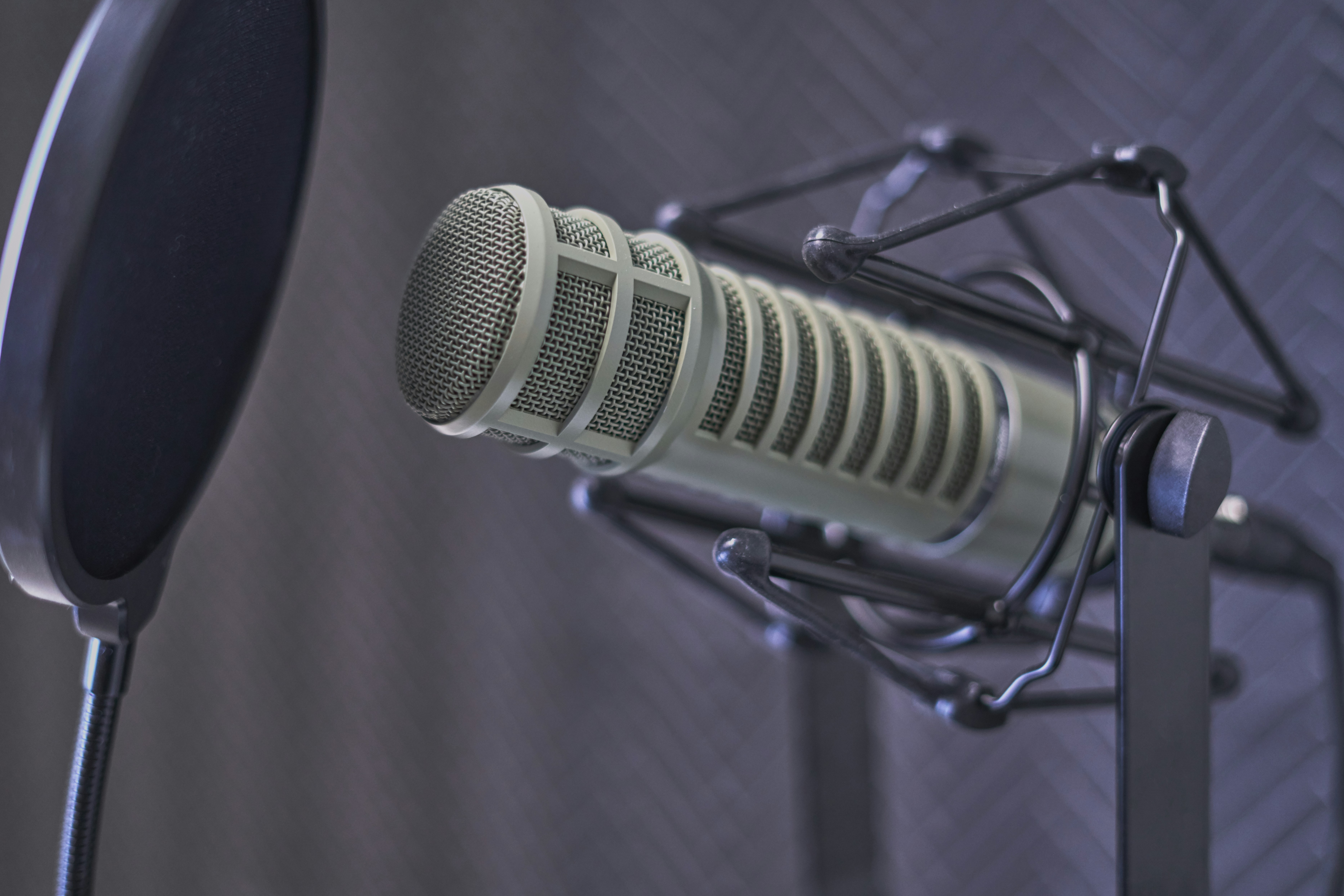
The microphone has the biggest impact on how the podcast sounds. If the audio is hard to follow, people stop listening.
- A USB microphone plugs directly into your computer and keeps the podcast setup simple.
- XLR microphones need an audio interface and are useful when multiple people are recording.
- Dynamic mics handle background noise well and suit most office environments.
- Condenser microphones pick up more detail but also more of the room.
A reliable mid-range mic will sound good every time and won’t require fixing in post.
Headphones and Monitoring
Most audio issues don’t show up until you listen back, which is already too late.
Closed-back, over-ear headphones let you catch echo, uneven volume, and background noise while recording.
Wired headphones are more reliable, especially during remote sessions where latency can creep in.
Audio Interfaces and Multi-Speaker Setups
Recording more than one person in the same room? You’ll need an audio interface to connect multiple microphones and keep levels balanced.
This keeps each voice balanced and easy to follow.
Recording Devices and Setup Basics
Most teams record directly into a laptop using simple recording software. This keeps the process easy to repeat, especially for remote setups.
Dedicated recording devices can help in in-room setups but they’re not necessary.
Podcast Accessories and Setup Tools
While these are optional, they make a noticeable difference.
- Pop filter → smooths out harsh sounds
- Boom arm → keeps mic in place
- Good cables → prevent random audio issues
None of this is complicated, but skipping it shows up quickly in the final recording.
Podcast Recording Setups for Internal Teams
The same equipment can produce very different results depending on how teams record. The setup should match the situation, not the other way around.
Leadership and Solo Recordings
Leadership updates, quick context drops, or weekly summaries don’t need production layers.
One voice and one microphone is usually all you need. This is the simplest format and the most consistent. You can plug a USB mic directly into your computer, which keeps things easy to repeat.
Remote Team Recordings
Multiple people in different locations introduce a few constraints. Internet quality varies, and conversations depend on stable connections.
Most teams use browser-based recording tools or familiar platforms like Zoom. It’s accessible and already part of how teams work, even if compression affects audio quality.
More advanced tools like Riverside let you record each speaker on separate tracks, which keeps voices clear and simplifies editing. That matters when someone’s connection drops mid-conversation.
Everyone should be able to join, hit record, and produce something usable without technical back-and-forth.
In-Office Recording Setups
Put a few people on one mic, and voices start to overlap, volume jumps around, and it turns into a messy call.
Giving each person their own mic keeps conversations sounding natural, and people don’t have to lean in or compete to be heard.
Recording and Editing in Your Podcast Setup
Recording needs to be simple for it to be reliable. If it feels like effort, teams stop showing up for it.
Recording That Stays Simple and Consistent
Recording software should be straightforward: open it, hit record, and move on without thinking about it.
Simple tools like Audacity, GarageBand, or even Zoom get the job done.
Remote setups often rely on browser-based platforms or tools already used for calls. Some setups record each speaker on separate tracks, which keeps voices clear and makes editing easier later.
If recording takes more than a few clicks, it won’t happen consistently.
Editing That Keeps Audio Clear
With editing, the goal is simple: make the conversation easy to follow without distraction. Trim the start and end, remove obvious pauses, and clean up background noise where needed.
Tools like Descript or Riverside can handle leveling and noise reduction without turning editing into a full-time job.
Internal Podcast Hosting and Distribution
Most internal podcasts don’t fail at recording. They fail when no one comes back to listen.
Private Podcast Hosting Setup
How you host the podcast decides who actually hears it.
Shared links look simple, then get passed around, lost, or ignored. After a point, no one knows who still has access.
Giving each listener their own feed means access stays tied to the person, not the link, which makes distribution easier to manage as teams grow.
That matters for onboarding, training, and leadership updates where the audience isn’t meant to be open-ended.
Access Control and Listener Management
Access needs to follow how the company changes.
New hires should get content on day one. When someone leaves, access shouldn’t depend on someone remembering to remove it.
Systems tied to employee identity handle this automatically. Access updates with the team instead of lagging behind.
Distribution Through Podcast Apps
People already listen on Apple Podcasts and Spotify.
If it shows up in those apps, it becomes part of how people already listen.
Supporting Cast delivers internal podcasts directly into those apps without adding another tool or login.
What Podcast Equipment You Don’t Need
Most teams slow down because they add too much of it.
- Podcast mixers, unless you’re running a multi-mic, in-room recording setup
- Overbuilt podcast studio setups that look impressive but rarely get used
- Extra recording gear that adds steps without improving audio quality
More equipment usually makes recording harder to repeat, not a better podcast.
Setting Up a Podcast That Teams Will Actually Use
Getting started doesn’t require much. You need clear audio, a setup that’s easy to use, and distribution that doesn’t add friction.
When those pieces are in place, internal podcasts become part of how teams stay informed instead of something they have to remember to check.
Supporting Cast fits into that by handling delivery and access in the background, so teams can focus on making content without worrying about how it reaches people.
If you want to see how this works in practice, schedule a demo and explore how to make your podcast setup easier to manage and easier to use.
Frequently Asked Questions
What equipment is needed to start a podcast?
A microphone, headphones, recording software, and a quiet space are enough to get started. Audio interfaces help when multiple people are recording, but they’re not required.
Can you create a podcast without expensive equipment?
Yes. Most teams start with a USB mic and a basic setup. If the audio is clear and recording is easy to repeat, the setup works.
How do internal podcasts stay private?
Access is tied to the listener, not a shared link. Each person gets their own feed, so content stays restricted to the intended audience. Supporting Cast manages this automatically and updates access as teams change.
What is the best way to distribute a podcast internally?
Deliver episodes through Apple Podcasts or Spotify so employees can listen in the apps they already use. If it requires a new tool, usage drops.